The whole school office, in 31 modules
The parts of a school that usually live in separate registers, spreadsheets and cupboards, grouped into seven areas under one sign-in. A student entered in one module is the same student in all the others.
Who is in the school
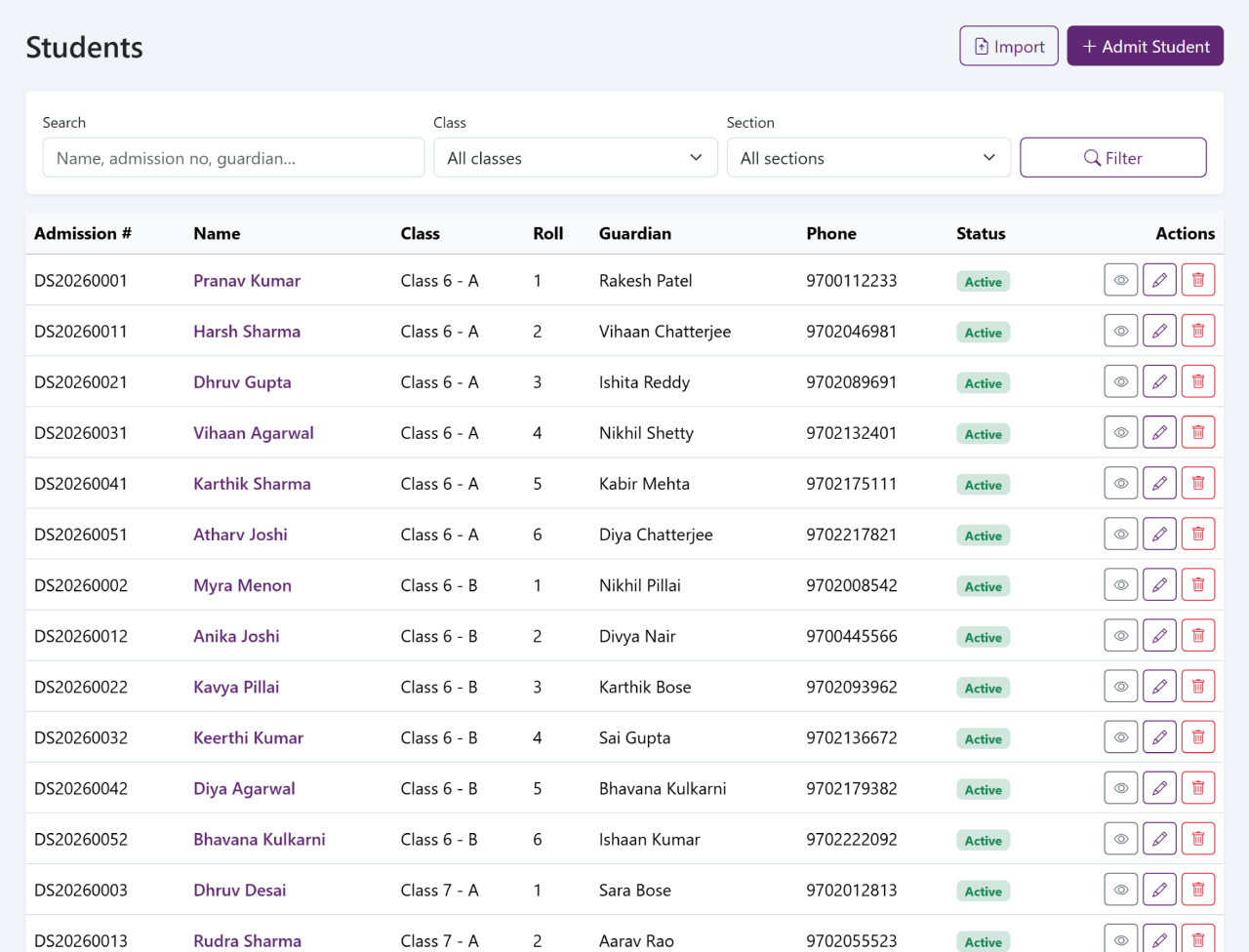
The records everything else reads from. A student entered here is the same student in attendance, in fees, in the exam sheet and in the parent portal — typed once, not five times.
The teaching day
Marking, setting, testing and reporting, all from the same class lists. Nothing has to be counted out of a register at the end of term, because it was added up as it went along.
-
06
AttendanceDaily marking by class, with monthly percentages and the day's absence list falling out of it.
-
07
TimetablePeriods by class and by teacher, so a free period is visible before somebody is promised it.
-
08
HomeworkWork set for a class with the date given and the date due, which parents then see in their own portal.
-
09
ExamsWhich exams a class sits, the subjects in each and the maximum marks they carry.
-
10
Marks and report cardsMark entry by subject, grades and totals worked out from it, and report cards to print for one student or a whole class.
Money in and money out
The fee counter, the salary register and the reports that read from both, in your school's own currency. The list of outstanding fees stops being a Friday job: it is the same data, sorted by what is owed.
-
11
FeesFee heads, instalments, invoices, numbered receipts, part payments and an outstanding-fees list that is always current.
-
12
ExpensesWhat the school spends, by head and by date, so income and expense can be read against each other.
-
13
PayrollMonthly salary for each member of staff with allowances and deductions, and a record of what was paid.
-
14
ReportsCollections, outstanding fees, income against expense, attendance, exam results and enrolment.
What the school owns and runs
The parts of a school that are usually a book kept by one person, and unreadable in the week that person is away.
-
15
LibraryThe books held, who has borrowed what, and what is overdue.
-
16
TransportRoutes, stops and vehicles, and which students travel on which route.
-
17
HostelHostels and boarding houses, rooms and beds, and which student is in which of them.
-
18
InventorySchool property and stock: what was bought, what has been issued and what is left.
The desk at the entrance
Five records that keep a busy reception accountable, so an enquiry, a caller or a visitor can still be found months later.
-
19
EnquiriesEvery admission enquiry with what was asked, who handled it and what happens next.
-
20
Visitor bookWho came in, whom they met, and the times in and out.
-
21
Call logCalls in and out with the caller, the reason and the next step.
-
22
PostalPost received and post sent, with the date, the sender and a reference.
-
23
ComplaintsComplaints taken, assigned and closed, with a date against each step.
Papers held against a person
Asked for years after a child has left, and found in a minute rather than in a cupboard.
-
24
CertificatesTransfer, leaving and enrolment certificates, printed from the student record instead of typed again.
-
25
DocumentsFiles kept against a student or a member of staff: admission papers, certificates, proofs of identity.
-
26
Health recordsHeight, weight and medical notes recorded against a student over the years they are with you.
The settings behind the rest
Who may open what, how it is printed, and how you get your data out again. The quiet half of the system, and usually the second thing a head teacher asks about.
-
27
SettingsSchool details, the academic year, your currency and timezone, and the options the rest of the system reads.
-
28
BrandingYour school name, logo and colours on the screens and on anything printed from them.
-
29
UsersWho can sign in, and what each role is allowed to open once they have.
-
30
Activity logA record of who changed what, and when, kept without anyone remembering to write it.
-
31
BackupA backup of your school's data that you can take and download yourself, whenever you want it.
Set up for your school, not for one country
Every module above reads the same few settings, so the whole system works the way your school already does.
Your own currency
Fees, receipts, payroll and reports all use the currency the school chooses — including three-decimal currencies such as the Kuwaiti dinar, so amounts are never rounded to fit.
Your own timezone
Attendance, receipts and the activity log are stamped in the school's own timezone. When you import a list, you choose how its dates are read: day-first, month-first or year-first.
Your existing lists
Bring students across in bulk from Excel or CSV. Every row is checked first, problems are shown by row number, and nothing is saved until you confirm it.
Start with the modules that take the most time
Nothing has to be switched on at once. Tell us which part of the office takes longest today and we will show you that one first. Two months free. Pricing only once you are satisfied.